

On this page
Administer Golden in the web application
Use Golden administration pages for configuration, users, tokens, files, tasks, and events with role and safety boundaries.
Use Administration from the top navigation to manage Golden configuration
and operations. You need ADMIN for the administrative areas, including files, resources
and events. Reading entity data still depends on data grants; an administrative
catalog and the records it describes have different access rules.
Choose the administrative area
| Area | Use it for |
|---|---|
| Entities | Connect tables, sources, search and resolution resources; control automatic work |
| Tables | Inspect storage configuration and run supported data operations |
| Resources | Create, test and maintain reusable configuration |
| Users | Provision people and manage their roles and account state |
| API Tokens | Create and manage integration credentials |
| Data access | Grant entities and row scopes to people and tokens |
| Files | Upload and inspect inputs and download exports |
| Tasks | Follow executions and manage schedules |
| Events | Inspect pending or failed deliveries |
| Settings | Review available product settings and sample projects |
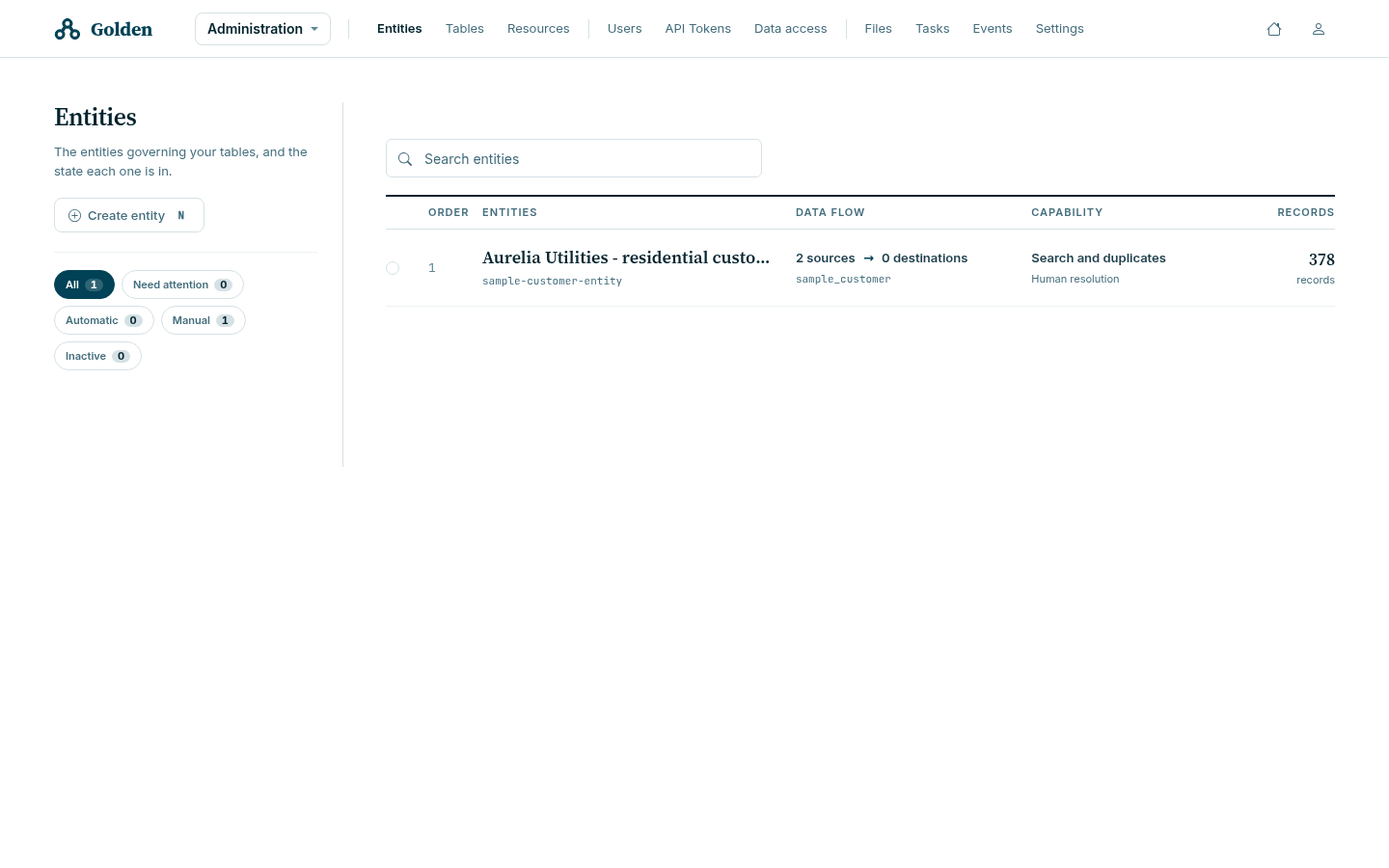
Configure entities, tables and resources
- Open the intended object and check its identifier and dependencies.
- Test a resource with representative data before saving its configuration.
- Preserve references unrelated to the change.
- Synchronize affected entities with the appropriate phase masks.
- Follow the resulting run and verify records, search or delivery outcomes.
A Valid resource has passed configuration validation; it does not prove a real load or delivery has succeeded. Follow resource maintenance, entity creation, and load procedures.
Manage users
Open Users, select New user, and enter the person’s identity, authentication type and minimum roles. Grant entity or row access separately through Data access. A newly created non-administrator can authenticate without having any business data granted yet.
The list offers All, Enabled, Disabled, and Locked filters. Select the intended account before using its available edit, disable, enable, reset or unlock action. Enabling and unlocking are different operations.
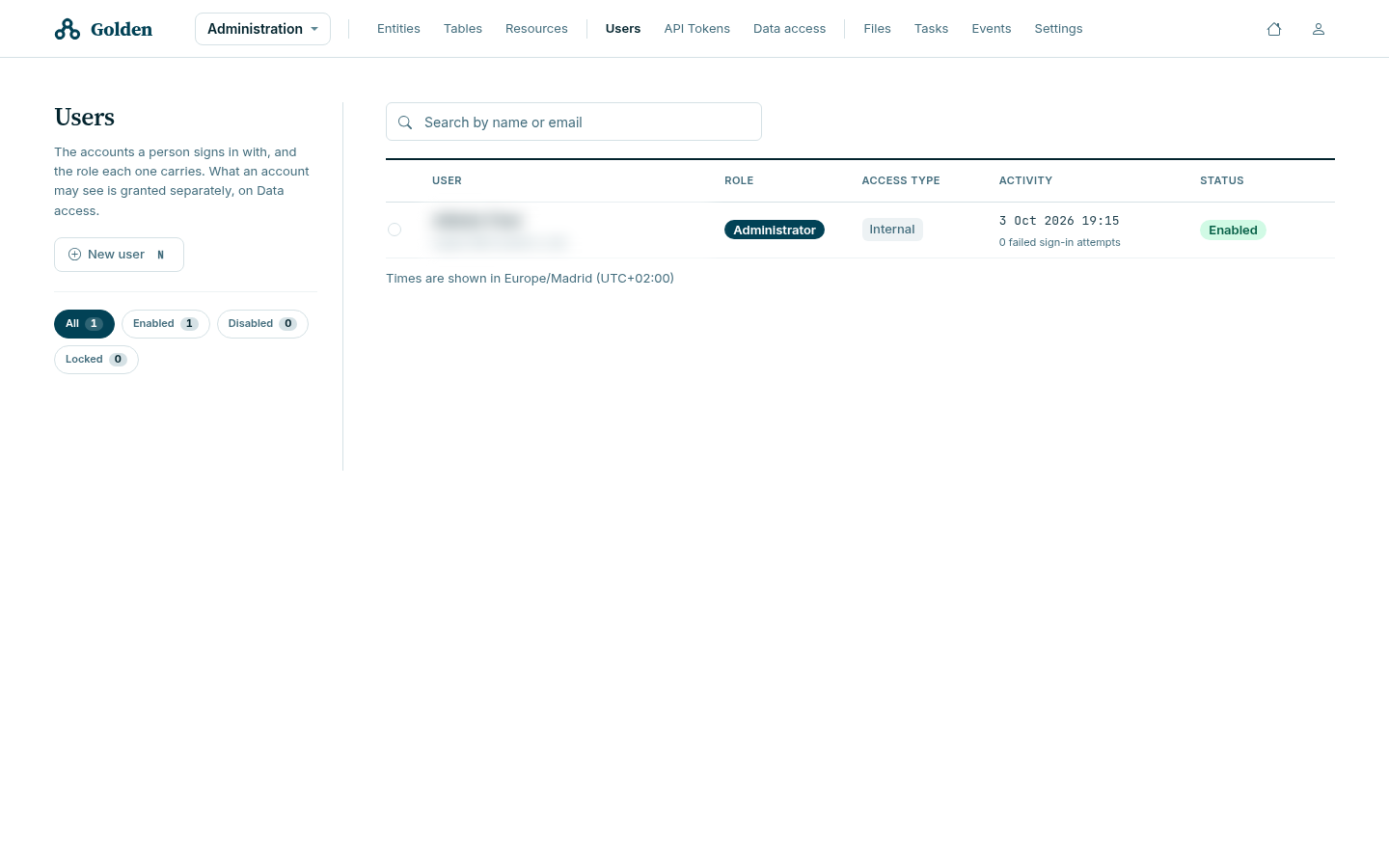
Verify access with the actual user, including an intended allowed read and an intended denied read. See Manage users and Roles and data access.
Manage API tokens
Open API Tokens and choose New token. Supply a recognizable integration name, minimum roles and expiry. Copy the one-time secret into the approved secret manager, grant its data access, and verify the integration.
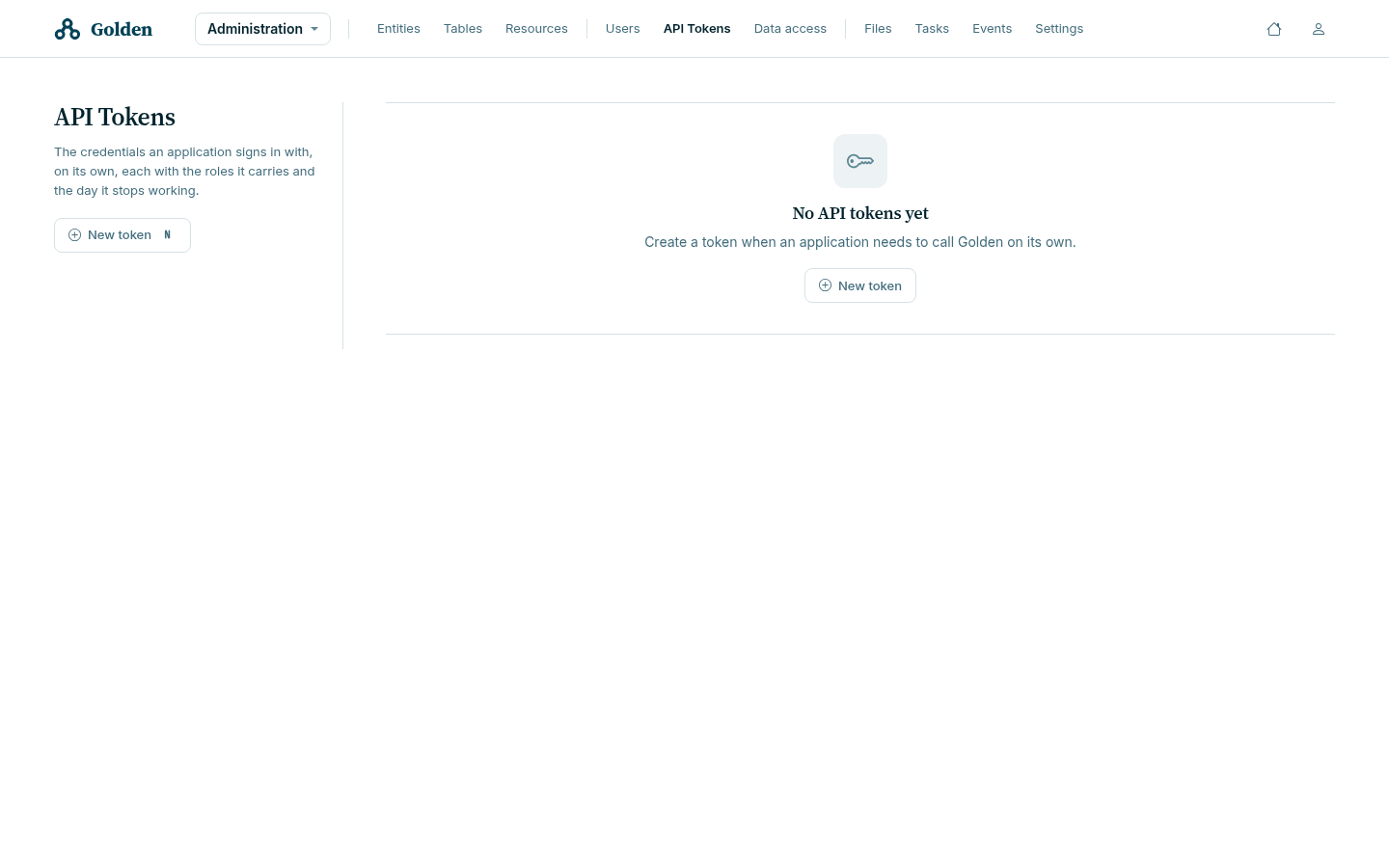
Editing a token’s metadata does not rotate its secret. Rotation immediately invalidates the previous secret. Coordinate the consumer update and verify that the new credential works and the old one fails. Disable a token when its access must stop. See Access tokens.
Follow tasks and schedules
Open Tasks → Executions to inspect a run’s status, messages, progress and timestamps. Schedulings shows the definitions that create future runs. Disabling a schedule does not cancel an active execution, and cancellation does not undo completed writes.
Use Schedule and follow executions for the full procedure and Recover tasks and deliveries for outcome verification.
Inspect delivery events
Open Events, choose the destination and inspect its pending or invalid work. Resolve the receiving-system or payload problem before revalidation. Deleting an event can discard undelivered work. Verify the receiver after a retry; a successful click is not proof of delivery.
Install and reset the sample
Use Settings for the supplied Aurelia Utilities project. Installation and reinstallation are asynchronous. Follow the run and the installation checks. Reinstallation removes changes to the sample, so use it only in a disposable learning environment.